For Real Estate Professionals

Stage Empty Listings in 30 Seconds, Not 3 Weeks

AI virtual staging, furniture removal, and listing photo enhancement — from $0.50 per photo. No software to install.

10 free credits. No credit card. Cancel anytime.

Trusted by listing agents, FSBO sellers, and real estate photographers.

Empty living room before virtual staging Living room after AI virtual staging
Works with photos from any source — MLS, Zillow, iPhone, DSLR, drone
Real Estate Studio

See What Virtual Staging Can Do for Your Listings

Five purpose-built AI tools, one listing-ready workflow. Click any tool and try it on your own photo — first staging is free.

Before Living room before AI redesign
After Living room after AI redesign in modern style
Beautiful Redesign

Restyle any room without renovating

Pick an architectural style — Scandinavian, Mid-Century, Industrial, Coastal — and re-skin a dated kitchen or beige living room into a designer interior. Same room, multiple buyer demographics, no contractors.

Try Beautiful Redesign ~30s per photo
Empty Empty bedroom before furnishing
Furnished Bedroom furnished by AI
Fill Spaces

Furnish empty rooms in 20+ styles

Upload a photo of an empty bedroom, living room, or kitchen and get a fully furnished version in 30 seconds. Drop the result straight into MLS, Zillow, Instagram or print flyers — no physical staging required.

Try Fill Spaces 20+ presets
Cluttered Living room with seller's furniture and clutter
Cleared Same living room with furniture removed by AI
Furniture Removal

Remove the seller's stuff — in one click

Owner clutter, personal photos, dated couches — gone. Show buyers the home, not somebody else's life. Pair with Fill Spaces or Beautiful Redesign to instantly restage occupied listings.

Try Furniture Removal Perfect for occupied homes
Sketch Architectural sketch of a kitchen
Render Photorealistic render generated from sketch
Sketch to Render

Turn a hand sketch into a photorealistic listing shot

Selling pre-construction or off-plan? Upload a hand sketch, floor plan, or rough 3D and get a photorealistic interior render. Perfect for new builds, renovations and developer marketing decks.

Try Sketch to Render Great for pre-construction
Flat sky House exterior with grey overcast sky
Hero shot Same exterior with dramatic golden hour sky
Sky Colors

Perfect every exterior shot with one click

Replace gray overcast skies with golden hour, swap noon glare for blue hour drama, or change the time of day around the property. Make every exterior photo a hero shot — even when the weather didn't cooperate.

Try Sky Colors For exteriors & drone shots

From Empty Room to Sold-Looking Listing in 3 Steps

No software to install. No design skills required. Works in any browser.

1

Upload your listing photo

Drag, drop, or paste any room or exterior photo. Works with iPhone, DSLR, drone and MLS exports.

2

Pick a style and let AI do the work

Choose from 20+ interior styles, or describe what you want in your own words. Result in 20–30 seconds.

3

Download and post

High-resolution images ready for MLS, Zillow, social, or print. Disclosure-friendly watermark options included.

Pricing

Cheaper Than a Coffee. Faster Than Email.

Same staging quality as the human pros — minus the wait, minus the invoice.

Traditional CLAILA
Cost per photo$25–$75From $0.50
Turnaround24–48 hours30 seconds
RevisionsOften charged extraUnlimited
Number of stylesLimited20+
Bulk listingsPer-photo pricingFlat monthly

Built for the Way You Sell Homes

Listing Agents

Win more listings with better photos. Stage 20 listings for less than one traditional staging.

FSBO Sellers

Sell without the agent commission. Make your photos look professionally staged for the cost of a pizza.

Real Estate Photographers

Add staging as an upsell to every shoot. White-label friendly.

Property Managers

Re-list vacant units faster. Show the space furnished without buying a single chair.

Frequently Asked Questions

What is virtual staging?
Virtual staging is the process of digitally adding furniture, decor, and styling to photos of empty rooms. Instead of physically furnishing a property to photograph it, virtual staging uses AI to insert furnishings into the image after the photo is taken. The result is a listing photo that looks fully staged at a fraction of the cost and time of traditional staging.
Is virtual staging legal? Do I need to disclose it?
Virtual staging is legal across the US, but most MLS systems and major listing platforms (Zillow, Realtor.com, Redfin) require disclosure. Common practice is to label the photo “Virtually Staged” in the caption or include a small watermark. CLAILA includes optional disclosure watermarks you can toggle on for any image.
How is AI virtual staging different from traditional virtual staging companies?
Traditional virtual staging companies use human designers and typically charge $25–$75 per photo with a 24–48 hour turnaround. AI virtual staging produces results in under a minute at a fraction of the cost. Modern AI staging is often indistinguishable from manual work — especially for standard residential interiors.
Will the AI staging look fake?
Modern AI staging models produce photorealistic results that look like real furniture in real lighting. Most viewers cannot tell the difference. The quality is highest for rooms with clear sightlines, decent natural light, and standard layouts.
Can I use virtual staging on occupied homes?
Yes. Use the Furniture Removal tool first to clear out current furnishings, then re-stage with Fill Spaces or Beautiful Redesign. Especially useful for cluttered, dated, or hyper-personalized homes.
What photo formats and sizes do you support?
JPG, PNG, and HEIC inputs. Output is high-resolution (up to 4K) suitable for MLS, Zillow, print flyers, and large-format displays. Aspect ratios are preserved.
How much does it cost compared to traditional virtual staging?
Traditional virtual staging runs $25–$75 per photo. CLAILA starts at roughly $0.50 per photo on the Pro plan, with unlimited revisions and 20+ styles included. For an agent doing 4–8 listings a month, that’s a difference of hundreds to thousands of dollars annually.
Do I need design skills to use it?
No. Pick a style preset, upload the photo, click generate. If you want more control, you can write a prompt describing what you want (e.g. “Scandinavian, light wood, soft natural light, neutral textiles”).
Can I try it without paying?
Yes. The free plan includes 10 credits — enough to stage a few photos and see the quality before paying. No credit card required.
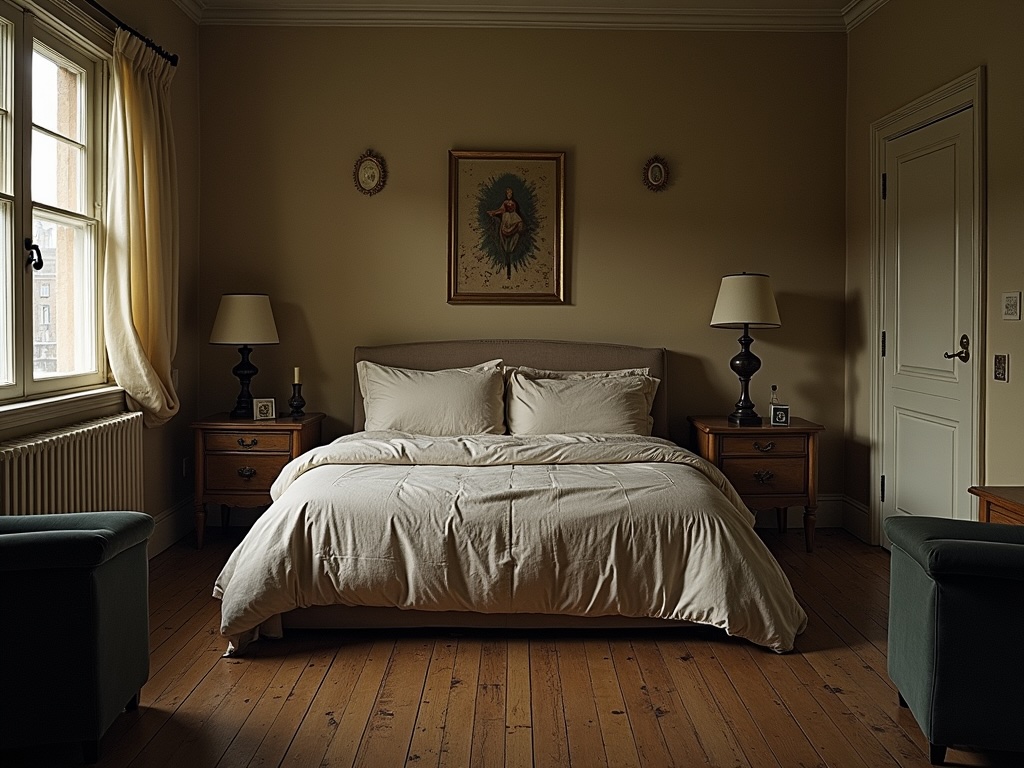
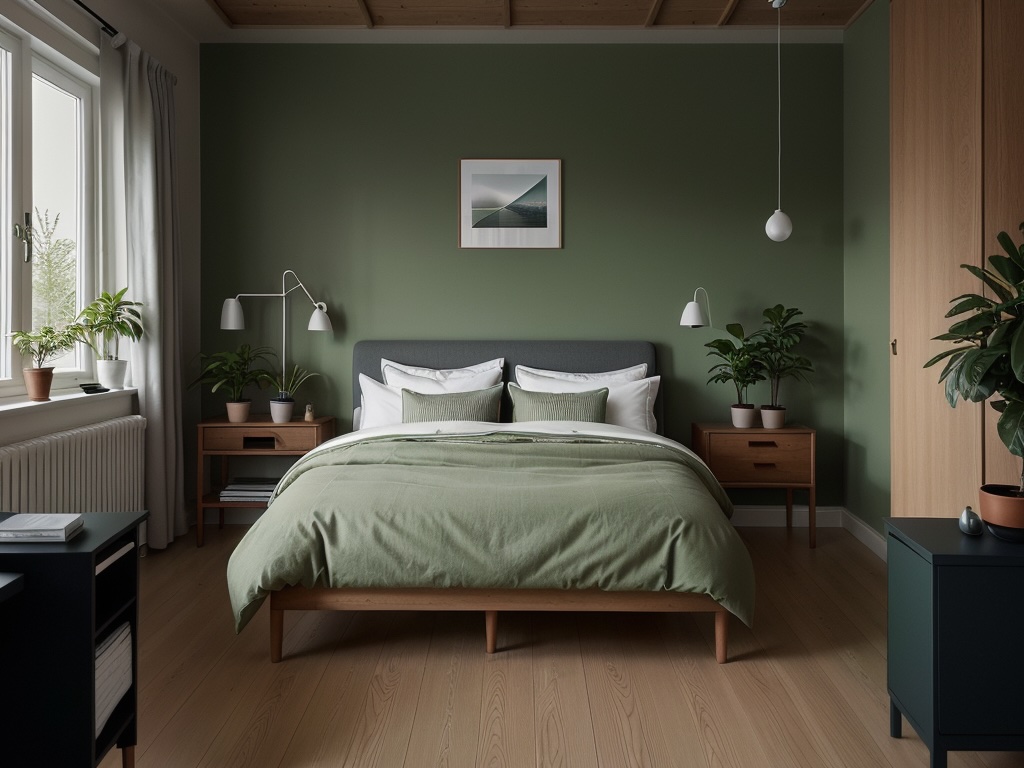
Stage Your First Listing Photo Right Now

Most agents see the value after the first photo. Try it before your next listing goes live.

Stage Your First Photo Free

No credit card required · 10 free credits
